Find out what different returns options your business can offer customers with Australia Post.
Read transcript
Video: The Australia Post logo sits at the top of a red screen. A blonde woman sits under the text, "eCommerce Jargon Busters: Go Online Returns."
Audio: Woman: Go online returns are the instructions they give to tightrope walkers. They say, "Go on line, return".
Video: The woman reads from a card that has an Australia Post logo on the back. Later, the text she's reading is typed onto a red background.
Audio: Woman: eCommerce businesses can choose to allow customers to easily lodge a return through an Australia Post online portal. There's no need to even print the return label. This service is available to businesses who use Parcel Post.
Video: The woman nods.
Audio: Woman: Yeah, something I should have been doing a long time ago.
Video: Before a red background a microphone hovers over a stool. An Australia Post card lies on the stool. Text reads, “eCommerce Jargon Busters. [Jah-gawn bust-uhz] noun + plural noun.” The Australia Post logo appears just above the stool.
How can I offer customer returns using eParcel Contract?
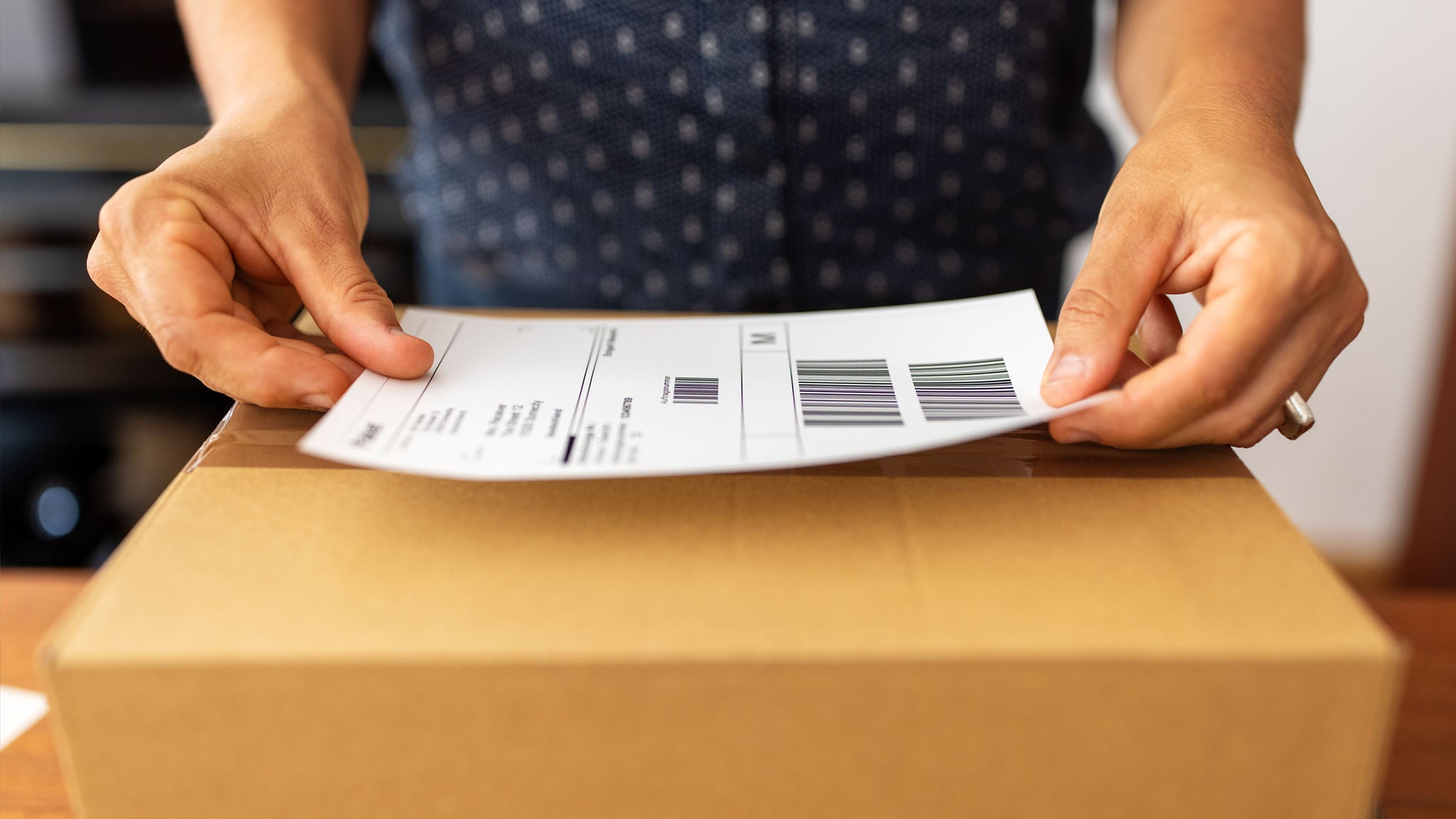
If your eCommerce business uses eParcel Contract, your customers can easily process returns online through the Australia Post Returns Portal. They can self-serve on the co-branded portal and print their return label at home.
No printer? No problem. Customers have the convenience of printing at the Post Office and lodging their return at one of 20,000+ drop-off locations.
What are the benefits of Returns Portal Plus?
Returns Portal Plus offers all the standard features of Returns Portal along with additional benefits for both you and your customers. These include enhanced customisation, deeper returns data and more control for your customers when returning online. Returns Portal Plus is eligible for all eCommerce businesses with 5,000 or more returns per year.
How can I offer customer returns using MyPost Business?
MyPost Business lets you easily create a return label for your customers using the Returns Portal. All the required customer details will automatically get added to the return label. Once ready, just send it to you customer.
If the customer’s email was included on the original label, they will be kept in the loop and notified when their parcel’s returned, so they know when to expect a refund.

To learn more about returns data, and how it can impact your customers’ shopping experience, read our Guide to eCommerce returns.
This article was originally published on 29 November 2023, and has been updated with new information.
MyPost Business can help with your parcel sending
From automating shipping label creation to booking parcel pickups, MyPost Business is here to help eCommerce businesses save time and money every send.
Recommended blogs
-
Blog | 06 November 2024When it comes to printing shipping labels, there are a few ways to do it well. Here’s your guide to how to get it right, including which printer to use, how to make label printing faster and what to do when it isn’t going to plan. -
Blog | 18 November 2022You can use your own packaging with Australia Post – here’s how
Can you use your own packaging with Australia Post? Yes! Here are the guidelines to follow that will make your delivery stand out from the crowd. -
Blog | 18 November 2022Sending food or fragile items? Read our packaging guidelines first
Fragile items and food have special rules when it comes to postage in Australia. Here’s what you need to know about Australia Post packaging guidelines. -
Blog | 26 August 2025Your step-by-step guide: How to integrate Australia Post with Shopify
One of the easiest ways to manage and boost shipping efficiency is by integrating your Shopify store with your MyPost Business account. Here’s what that means, how to get it done and the benefits of an integration. -
Blog | 26 June 2023How to automatically create shipping labels
This helpful guide will explain how to automatically create shipping labels for your online orders to save time on sending.