What are MyPost Business savings bands?
MyPost Business has five savings bands, each offering a different percentage saving on your domestic and international sending.
Your savings band is based on how much you’ve spent on parcel sending over the last four weeks, or the last 12 months, whichever gives you more savings. You’ll start saving when you spend at least $50 on parcel sending over the last four weeks. Then watch your savings grow with up to 40% off domestic sending, and up to 35% off international sending.
If you’re eligible to move up a band, you’ll move up the next day. Otherwise, you’ll stay in the same savings band for four weeks, even if your parcel sending drops.
To view your current savings band, log in to your MyPost Business account and go to the ‘Send and save’ tab.
What’s the difference between MyPost and MyPost Business?
MyPost Business is a platform for businesses, offering time-saving features such as Shopify integration on parcel sending.
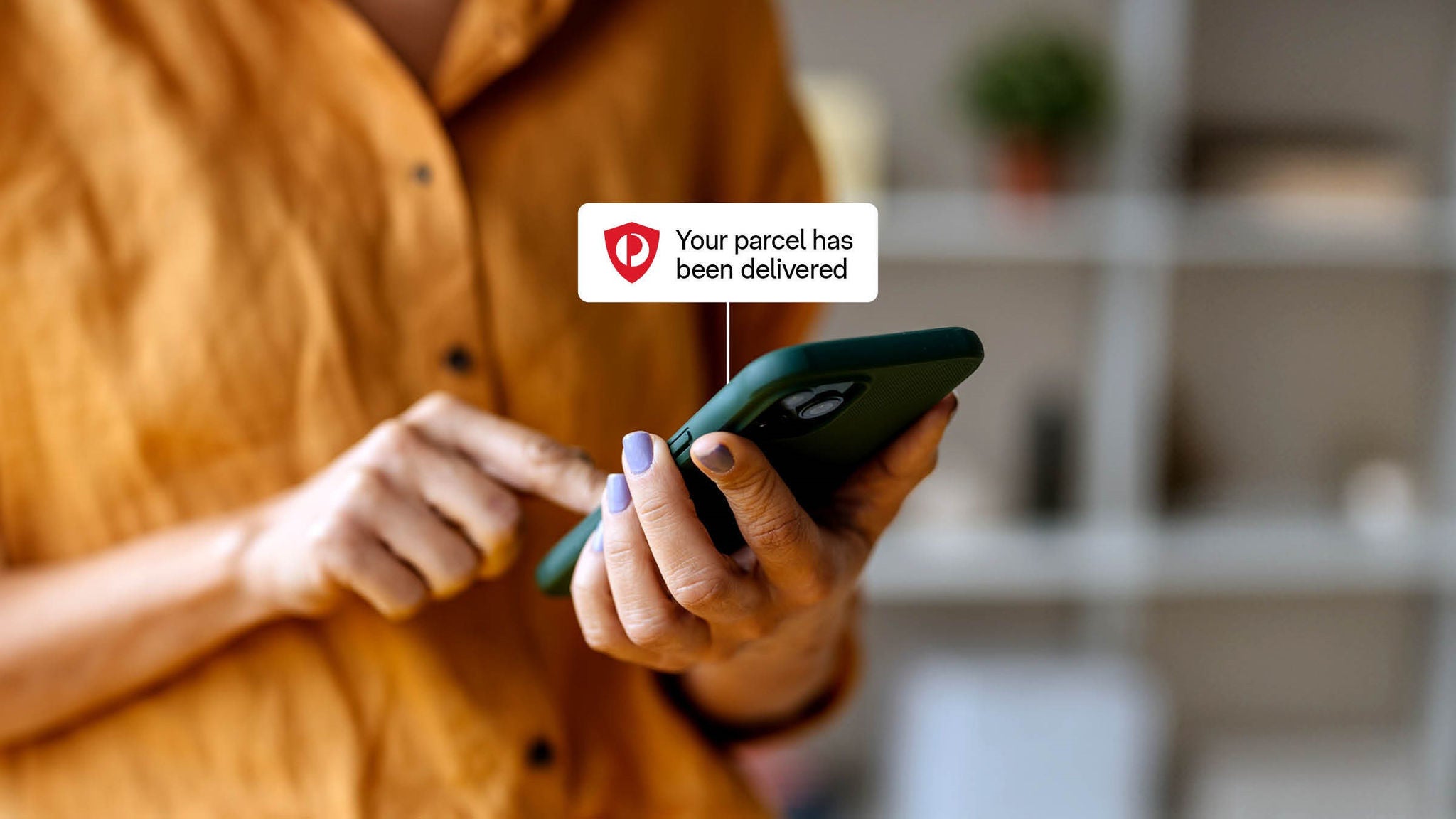
MyPost is for individuals – it helps you track parcels, choose your collection point, set delivery notification preferences, and more. The best way to use MyPost is with the AusPost app, which gives you a secure way to receive notifications and track deliveries.
What’s the difference between MyPost Business and eParcel Contract?
MyPost Business is ideal for small and medium businesses, while eParcel Contract is for larger businesses who send 2,000+ domestic parcels each year.
How does MyPost Business work?
If you’re wondering how to use MyPost Business or how to register for MyPost Business, you’ll be happy to hear it’s easy to get started. Simply head to the MyPost Business website and sign up for free.
How is postage calculated in MyPost Business?
How much you pay depends on factors including where you’re sending, the packaging you use and your MyPost Business savings band.
If you’re using your own packaging, postage is based on the greater of the parcel’s physical weight or cubic weight. Enter the parcel’s weight and packed external dimensions accurately and MyPost Business will calculate the chargeable weight and postage cost for you.
Tip: Measure the outside of your parcel at its largest points, including any bulky or protruding parts. The dimensions printed on packaging may be internal measurements, which aren’t used to calculate postage.
If your item weighs 5 kg or less and you use qualifying MyPost Business flat rate packaging, postage is based on the packaging size you select, so you don’t need to enter its weight or dimensions.
Want to know more? Learn how to accurately calculate your parcel postage, including how packaging, weight, dimensions and sending locations can affect what you pay.
Is there a MyPost Business app?
Your MyPost Business online portal can be accessed from the AusPost app.
Simply use the same email address for your MyPost and MyPost Business accounts, then go into the AusPost app and click on the ‘Account’ tab to link the two.
From here, you can access your MyPost Business dashboard, track orders, book a pickup and more.
How does MyPost Business make returns easier?
There are a couple of ways that MyPost Business makes returns simpler for you and your customers:
- Dual use satchels. Let your customers know they can reuse the MyPost Business flat rate satchel to make a return. Or, if they don’t need to return their item/s, they can reuse the satchel to send to anyone, anywhere .
- Simple return labels. Use MyPost Business to create and email a return label to your customer in just a few clicks. And when you send your customer an Australia Post return label, they can show the QR code at their local Post Office and the team will print it off.
This is much easier for customers who don’t have access to a printer.
How can you request a refund?
If you’ve already printed your labels but need to cancel them – whether it’s due to a cancelled order or a printing double-up – you can request a refund in MyPost Business. Some orders can be refunded, depending on time frames, value and other terms and conditions.
Simply head to the ‘Transactions’ tab in MyPost Business and select the label you want to refund. Where applicable, the charges will be refunded to your credit card or PayPal account in 5-10 business days. Please note that if your refund is over $100 or more than three months old, you’ll need to contact our support team for assistance.
If you used a charge account to pay for the labels, need more than 25 articles refunded, or it’s been more than 10 days and you still haven’t received your refund, please contact our support team for help.
How can you print your own labels in MyPost Business?
You can print labels for domestic sending and international shipping with MyPost Business. There are different label sizes you can use and various printer options. Explore our tips for printing shipping labels.
Can you print labels at the Post Office?
You can print postage labels for free at your local Post Office. Here’s how:
- Pay for your labels in MyPost Business and select the ‘print in store’ option.
- A unique QR code will be generated for each parcel. Show each code at the Post Office counter to have your labels printed.
QR codes expire after four days. You can scan a maximum of 10 QR codes per visit.
Is there a way to automate the creation of shipping labels?
You can automate the printing of shipping labels with a simple integration. Some businesses say this saves them hours each week.
An integration simply means a connection between your MyPost Business account and one of our eCommerce partners. It allows information to flow between the platforms.
This means you can create all your shipping labels, print them out and pay for them in the one place, and still access all your MyPost Business savings.
To get started, learn how to integrate MyPost Business with eCommerce partners.
Where can you go for more MyPost Business support?
Your MyPost Business dashboard has a range of how-to guides, plus the MyPost Business toolkit to help you troubleshoot.
You can also click on the Help and Support link to access the live chat or give the team a call.
This article was originally published on 09 June 2025