Exclusive partner content from the eBay Australia Seller Team
As the most-visited shopping site in Australia,1 we know how important postage is to the shopping experience. That’s why we’re sharing our top tips for delivering a great experience for your buyers, so you can keep bringing them back for more.
Key points
- Offer a range of postage options to buyers.
- Integrate your MyPost Business account with your eBay account.
- Enable international postage to reach overseas buyers.
1. Give buyers postage options
We know buyers like options when getting their items delivered. We recommend offering a range of postage options to your buyers to give them choices depending on the type of purchase.
For example, some buyers like free postage as they are looking for value, while some buyers are willing to pay for express postage on urgent purchases. It’s hard to know when someone is looking for value and when they’re looking for speed, so it’s best to give buyers the choice.
eBay recommends offering:
- A free postage option
You can choose which locations have free postage by using postage rate tables on eBay. - An express postage option
We know some buyers are happy to pay for express postage, so you can charge a fee to upgrade to that option.
2. Integrate your MyPost Business account with your eBay account
Did you know you can easily link your MyPost Business account with your eBay account? It only takes a few clicks, and it means:
- Your eBay orders get sent automatically to your MyPost Business account.
- Tracking information is automatically uploaded to eBay.
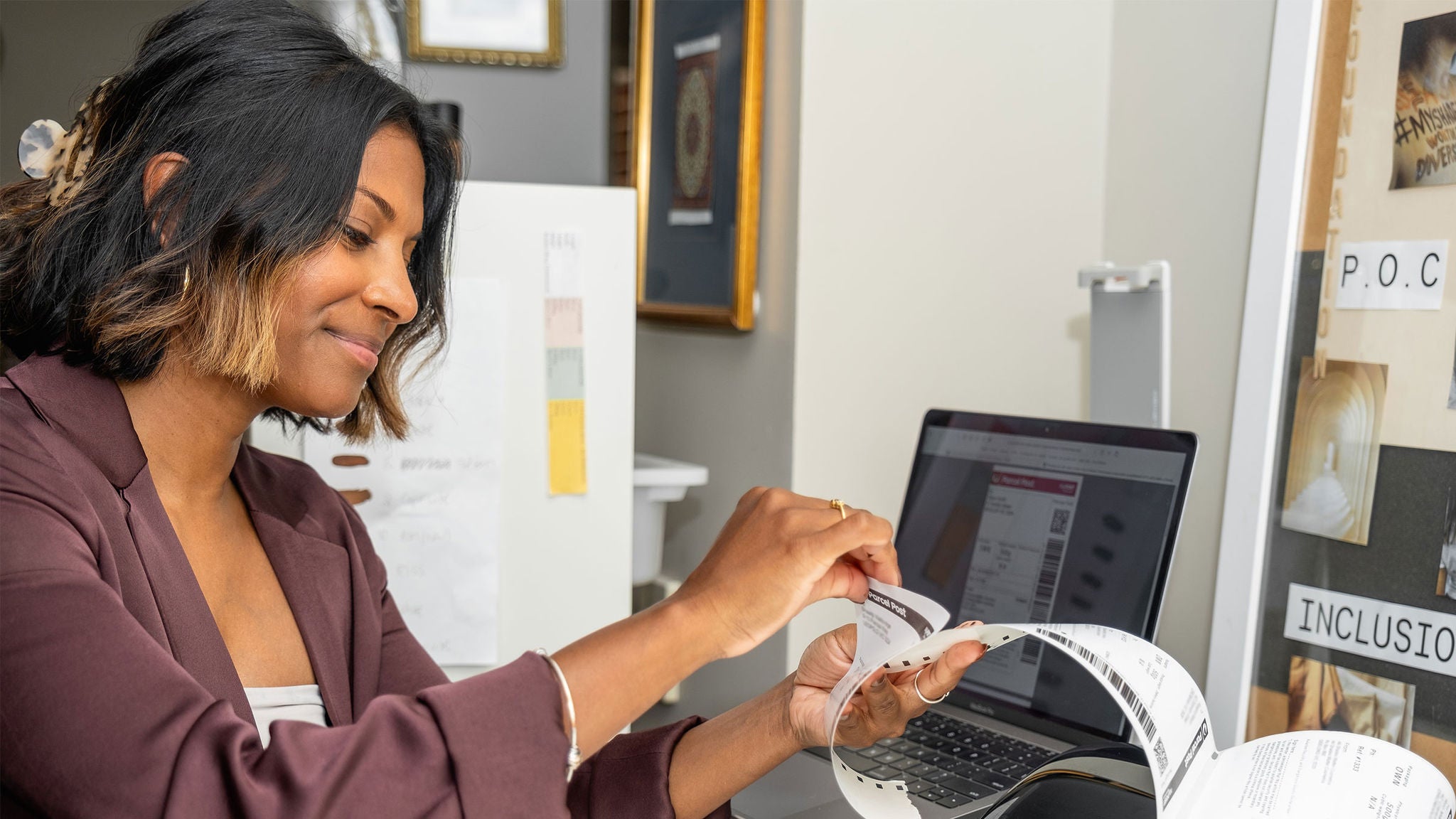
- You can print all your shipping labels at once from the MyPost Business online portal.
3. Upload tracking data to eBay
Tracking is quickly becoming an essential for online selling. Buyers expect to be able to follow their parcel’s journey from you to their home. And on eBay, we notice sellers who upload valid tracking data receive half the number of buyer claims.2
You have options for uploading your tracking data to eBay, depending on how you send parcels, to give your buyers more visibility of delivery.
Prepaid postage
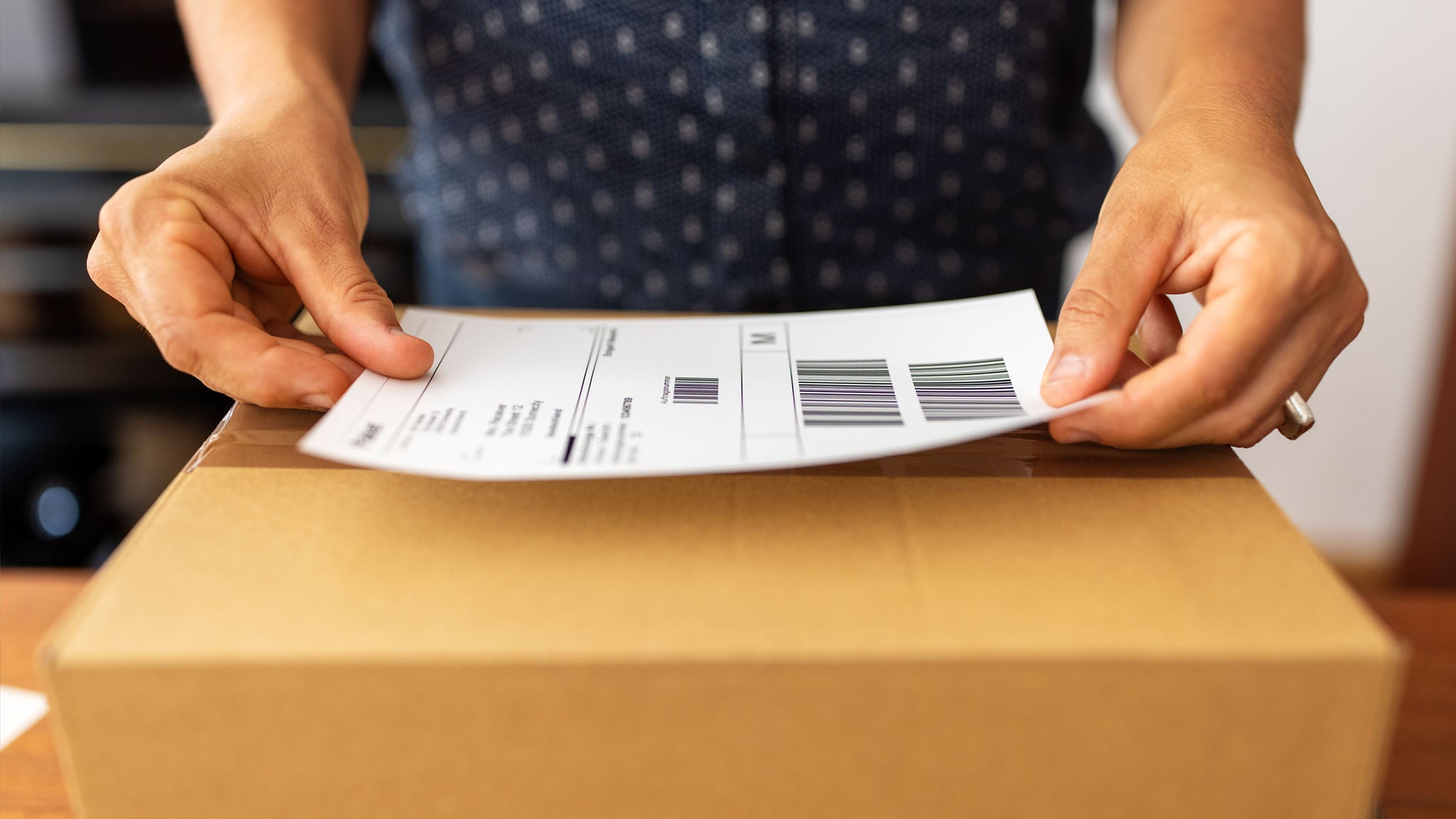
If you use prepaid satchels, you can upload tracking data by scanning the postage label or Post Office receipt with the eBay app.
MyPost Business account
If you integrate your MyPost Business account with eBay, your tracking information is automatically uploaded and displayed to the buyer.
4. Reach international buyers on eBay
Make the world your buyer base on eBay by enabling international postage on your listings. You can choose which inventory you want to display to global buyers and offer an international postage option on those listings. They will then display in an international buyer’s search and show them a postage rate based on where they’re located.
5. Build trust with your buyers
If you want buyers to come back for more, it’s all about creating a great shopping experience. It starts before the buyer purchases the item: ensure your listings are clear, make your inventory stand out and ensure you promptly answer any questions buyers have.
Once the buyer has their item, it’s also important to respond to any post-transaction issues or queries. Work with the buyer to resolve any open cases in line with the requirements of the eBay Money Back Guarantee policy, and eBay will protect you against any false or unfair claims.

MyPost Business can help with your parcel sending
From automating shipping label creation to booking parcel pickups, MyPost Business is here to help eCommerce businesses save time and money every send.
1 https://www.similarweb.com/top-websites/australia/category/e-commerce-and-shopping/marketplace/
2 If you do not upload valid tracking information for your orders, you are 2x times more likely to receive an Item Not Received claim. (Based on all transactions on eBay.com.au from July 2020 to June 2021.)
Recommended blogs
-
Blog | 06 November 2024When it comes to printing shipping labels, there are a few ways to do it well. Here’s your guide to how to get it right, including which printer to use, how to make label printing faster and what to do when it isn’t going to plan. -
Blog | 18 November 2022You can use your own packaging with Australia Post – here’s how
Can you use your own packaging with Australia Post? Yes! Here are the guidelines to follow that will make your delivery stand out from the crowd. -
Blog | 18 November 2022Sending food or fragile items? Read our packaging guidelines first
Fragile items and food have special rules when it comes to postage in Australia. Here’s what you need to know about Australia Post packaging guidelines. -
Blog | 26 August 2025Your step-by-step guide: How to integrate Australia Post with Shopify
One of the easiest ways to manage and boost shipping efficiency is by integrating your Shopify store with your MyPost Business account. Here’s what that means, how to get it done and the benefits of an integration. -
Blog | 26 June 2023How to automatically create shipping labels
This helpful guide will explain how to automatically create shipping labels for your online orders to save time on sending.